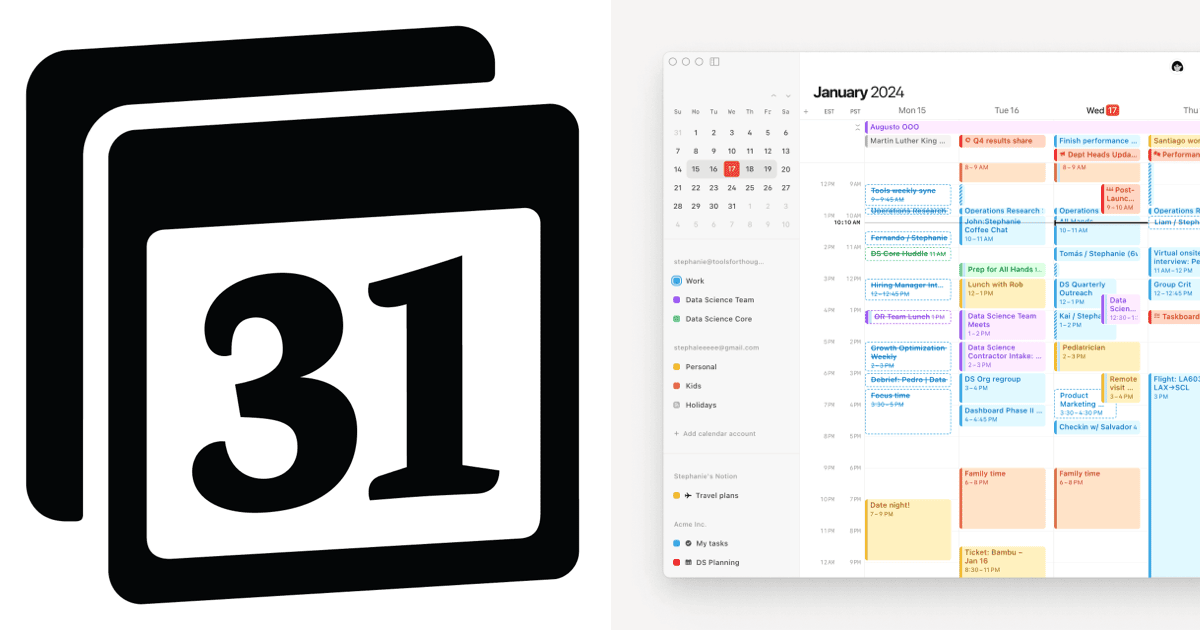

In a market saturated by hundreds of calendar and to-do apps, finding something that genuinely innovates is rare. Most are just Google Calendar clones with different colors. However, there is a powerful tool, often overlooked, that can revolutionize how you view time: Notion Calendar.
Formerly known as Cron (an award-winning app for its design), it was acquired by Notion and relaunched. The result? An aesthetically perfect and functionally robust tool that still flies under the radar for most users.
More Than an Agenda: A Command Center
Notion Calendar isn’t just for scheduling meetings. It acts as a bridge between your planning and execution.
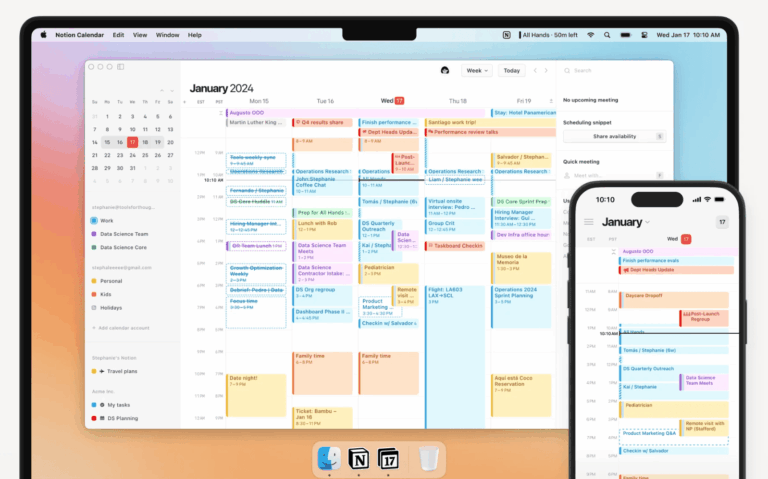
- Total Integration: It merges Google Calendar with your Notion databases. You can see project deadlines and tasks inside your time grid.
- Award-Winning Design: The interface is clean, fast, and visually satisfying. Dragging and dropping appointments is fluid, making “Time Blocking” a pleasure, not a chore.
- Mobile Focus: Unlike many apps that are watered-down versions of the desktop experience, Notion Calendar on mobile is extremely powerful, with useful widgets that show exactly what you need to do next.
Why Does No One Talk About It?
It’s the classic case of “the best-kept secret.” After the name change from Cron to Notion Calendar, the app became somewhat hidden within the parent company’s ecosystem. Many assume it is only for power users of Notion, which is untrue. It is a superior substitute for Google Calendar for anyone.
If you want to stop switching between three different apps to know what to do with your day, this is the free and elegant solution you’ve been looking for.
Available for: Windows, macOS, iOS, and Web.
Download here: [Click to download Notion Calendar from the official site]

 EN
EN  PT
PT  ES
ES